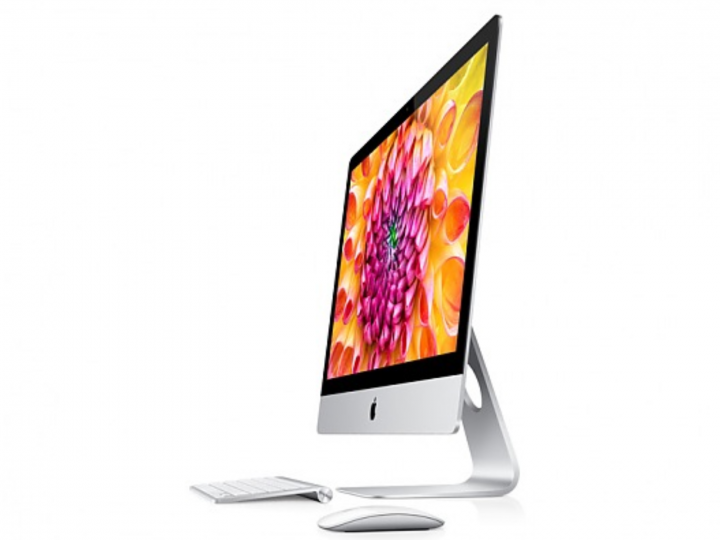
BHPian bravo82in recently shared this with other enthusiasts: Web apps: In Safari, open any site and go to File Add to Dock. It’ll show up like an app with its own icon – handy for Gmail, Team-bhp etc. Yes, you can have an app for Team-bhp which is not there on iPhone or android. Spotlight search: Press + Space. You can do quick math (240*12.5), currency conversions (“$100 in INR”), or even create notes and set timers by typing (Or using voice typing) it in. Finder Quick Actions: Right-click a file Quick Actions. You can make a PDF, trim a video, or mark up images without opening any app. Hot Corners: Go to System Settings Desktop & Dock Hot Corners. Assign screen corners for quick actions like lock screen or show desktop. Text replacements: Under Keyboard Text Input Text Replacements, add shortcuts like “@@” for your email or “addr” for your address. Works in all apps. Preview app: Open a bunch of images in Preview to resize or rename them together. Also great for signing or editing PDFs. Finder tabs: Use + T to open tabs in Finder, or drag one tab out for a split window – makes file transfers easy. Universal clipboard: Copy text or photos on iPhone and paste on your Mac (and vice versa) if both are on the same Apple ID and Wi-Fi. Shortcuts app: Lets you automate small things – like opening your usual set of apps or renaming files in bulk. Voice control: Turn on under Accessibility Voice Control. You can say things like “Open Safari” or “Click File menu.” Desktop Stacks: Right-click on desktop Use Stacks to group files by type automatically – cleans up clutter instantly. Screenshots: Press + + 5 to capture the screen or record video. You can even include your mic audio. Google apps: It’s best to stick to Apple’s own apps where possible. Google apps like Chrome are much heavier on battery, memory, and storage, and can noticeably slow down your Mac as it gets older. Safari and Apple’s native apps are usually faster, lighter, and better integrated with macOS. Small stuff, but once you start using them, macOS feels a lot smoother. Check out BHPian comments for more insights and information.
Source link
MacOS features every mac user should try for a smoother experience